What Is Lone Working? A Complete Guide to Lone Worker Safety
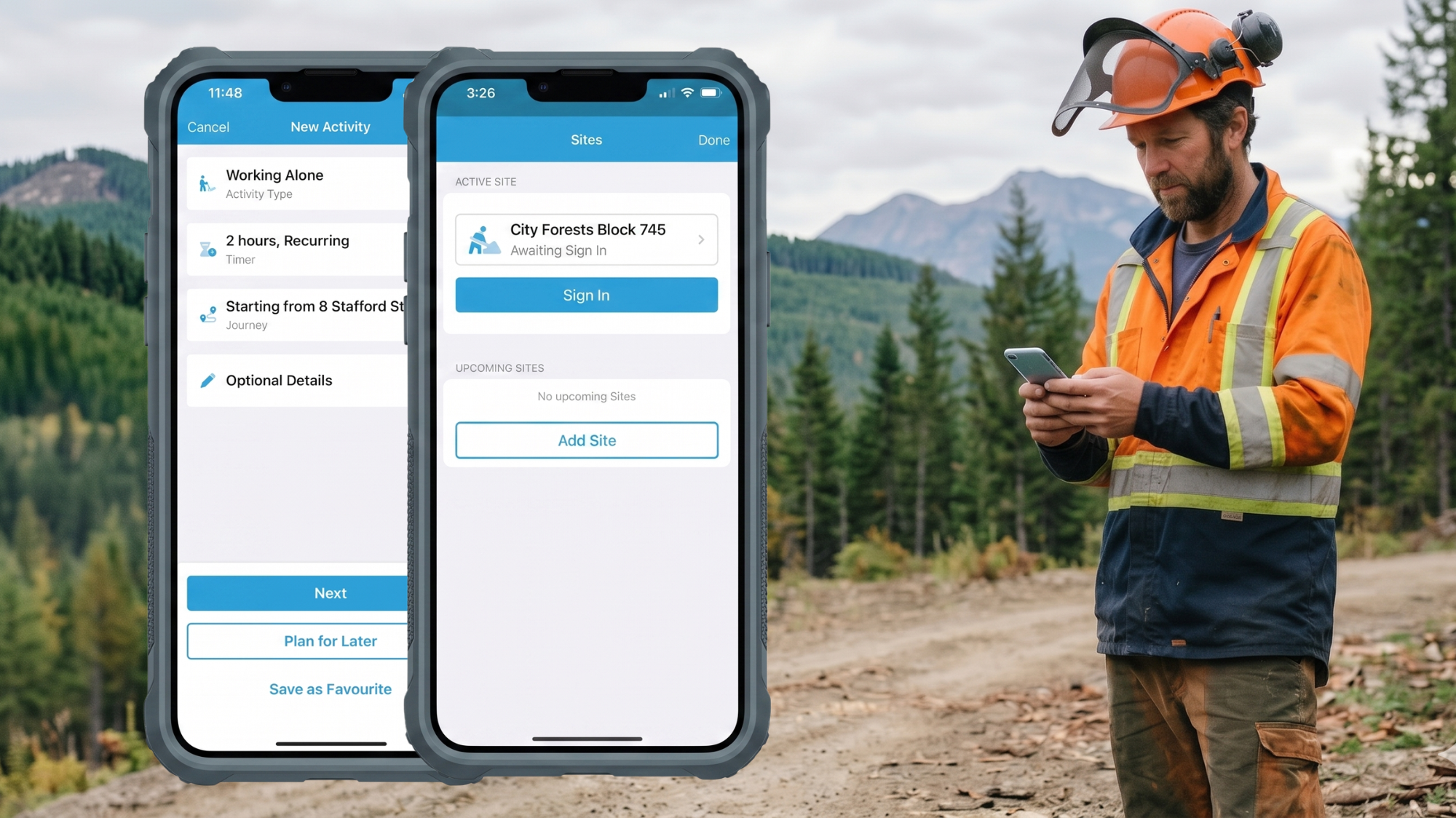

Lone working is one of those things most organisations deal with, but don't always formally define. It sits quietly in the background of day-to-day operations, often without specific policies or procedures attached to it.
If you have people working out in the field, visiting clients, driving between sites, or working after hours in an office, you almost certainly have lone workers. In fact, most organisations have more lone workers than they realise, simply because the work has never been viewed through that lens.
The risk isn't just the work itself. It's what happens if something goes wrong and no one is there to help.
Key takeaways (quick summary)
- Lone working means working without immediate support or supervision, so help isn't close by if a situation changes.
- The main risk isn't a higher chance of an incident, it's the delayed response when one happens.
- It applies across almost every industry, not just high-risk or remote environments.
- Employers in New Zealand, Australia and Canada generally have a legal duty to manage lone worker risks.
- A lone worker app like GetHomeSafe lets workers check in and get help quickly, on both iPhone and Android.
What is lone working?
Lone working is when someone works by themselves without direct supervision or immediate support from others. It's less about location and more about the absence of nearby help if a situation changes unexpectedly.
Put simply: if something happens, help is not immediately available.
That doesn't only mean working in remote areas. Working alone is just as common in towns, offices and people's homes.
What counts as lone working?
Lone working can include:
- field workers operating on their own
- staff visiting clients or customers alone
- people working after hours or early mornings
- workers in isolated parts of a site
- drivers travelling between locations
The common thread is isolation from help, not distance from the city.
Why does lone working matter?
The real risk is response time
Lone working doesn't always increase the likelihood of an incident. What it increases is the impact.
If someone is injured, unwell, or in danger, delays in response can turn a manageable situation into a serious one. A small issue that could be resolved in minutes with help nearby can escalate quickly when a worker is on their own.
That's why effective lone worker safety focuses on three things:
- communication — workers can reach someone easily
- visibility — the team knows where workers are and whether they're okay
- escalation — if a check-in is missed, something automatically happens
Get those three right and most lone worker incidents are either prevented or resolved before they become serious.
It happens more often than most organisations realise
Many organisations assume lone working only applies to high-risk industries or remote operations. In reality it's far more common, and usually informal rather than intentional. Everyday examples include:
- a technician visiting a site alone
- a support worker seeing clients in the community
- a staff member locking up after hours
- someone driving long distances between jobs
Because it's unmanaged rather than planned, lone working is easy to overlook, which is exactly why it's worth addressing deliberately.
Do legal duties still apply to lone workers?
Yes. Across New Zealand, Australia and Canada, workplace health and safety laws generally require employers to manage foreseeable risks to workers, including when those workers are alone.
New Zealand example
The Health and Safety at Work Act 2015 places a duty on employers to manage risks to workers, including remote and lone working.
Australia
Work health and safety frameworks require managing risks like isolation and lack of supervision.
Canada
Organisations also have duties under occupational health and safety laws, including ensuring workers are not exposed to unmanaged risks.
Canada Occupational Health and Safety Regulations (SOR/86-304)
The key point: working alone doesn't reduce an employer's responsibility. It usually increases the need for controls. For the exact obligations in your jurisdiction, check your relevant regulator (for example, WorkSafe in New Zealand or Australia, or your provincial OHS authority in Canada).
How do lone working and journey management overlap?
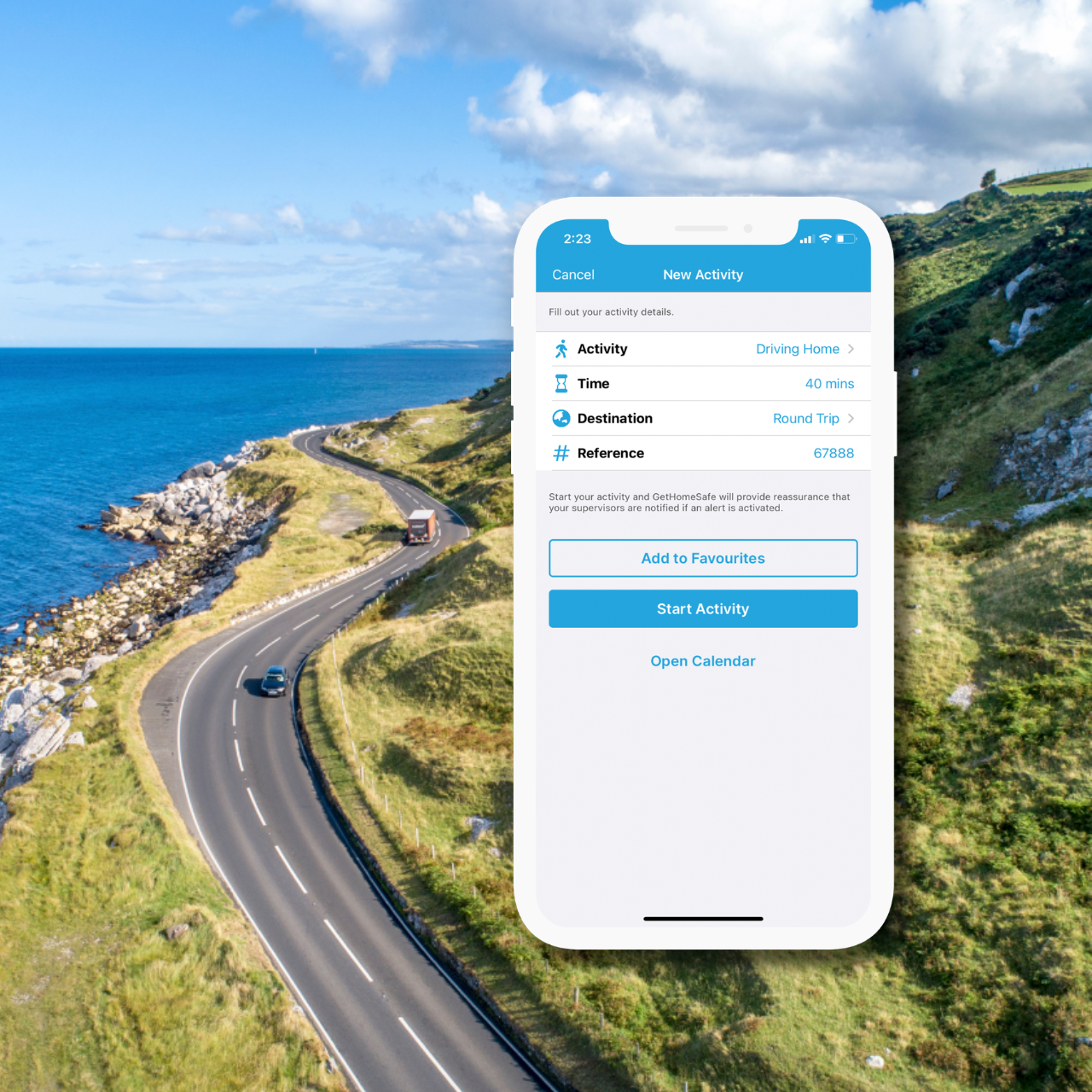
The moment a worker leaves a fixed site and starts moving between locations on their own, lone working and journey management come into play at the same time. For example:
- a worker driving to a remote site alone
- a community worker travelling between appointments
- a technician working in low-coverage areas
These situations combine travel risk and isolation risk, which increases overall exposure. This is why many organisations look for journey management software and lone worker monitoring in the same tool, managing one without the other usually leaves a gap somewhere in the process.
Who needs lone worker safety?
Lone worker safety isn't confined to one type of job. It applies to any organisation whose people regularly carry out tasks without a colleague nearby to notice if something goes wrong, whether that's a nurse driving between home visits, a technician inspecting a remote pump station, or a tradesperson finishing a job after hours.
In practice, you likely have lone workers if your people:
- operate alone in the field
- visit clients or customers by themselves
- work in remote or low-coverage areas
- work outside normal hours
- move between sites without direct supervision
This shows up across industries including utilities and infrastructure, healthcare and community services, councils and government, construction and trades, facilities and maintenance, and logistics and transport.
Almost any organisation with a mobile, distributed, or after-hours workforce has lone workers on the books, even if they aren't formally labelled that way, and the duty of care extends to every one of them.
Download the free lone and remote worker safety checklistWhat does good lone worker safety look like?
A practical approach usually combines a handful of core elements. Each is simple on its own, but the value comes from having them all in place consistently.
1. Clear identification of lone workers
Start by understanding who works alone, when they're alone, where they're located, and what risks they face. Once organisations map this out properly, the number of lone workers is almost always higher than expected.
2. Simple check-in processes
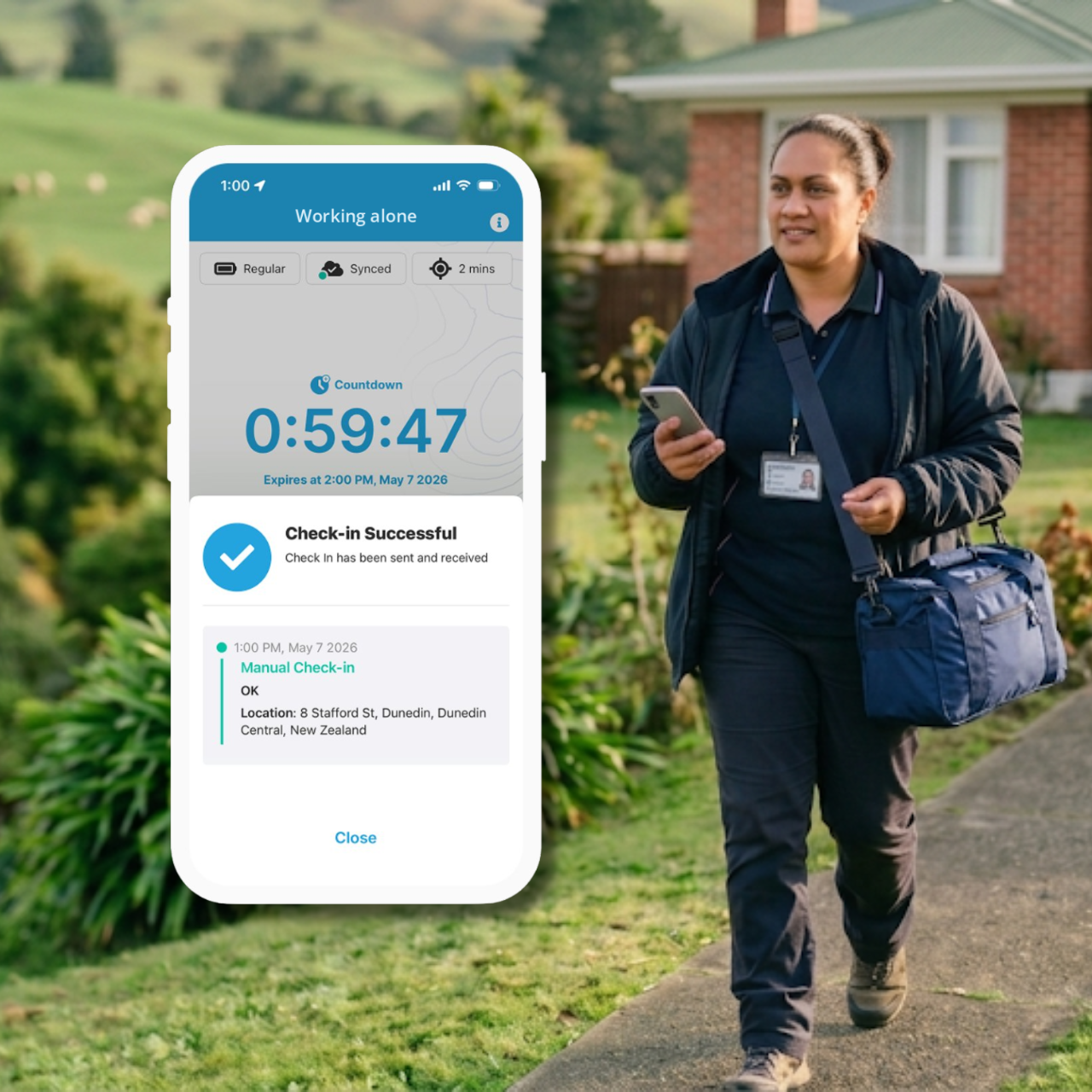
Workers need an easy way to confirm they're safe, and the process has to fit naturally into how they already work, otherwise it gets skipped. A good lone worker check-in covers starting and ending shifts, periodic check-ins, and confirming safe arrival at a location. A working alone check-in app like GetHomeSafe handles this without disrupting the job.
3. Overdue alerts and escalation
The most important part of lone worker monitoring is knowing when something is wrong. Without it, even the best check-in system only tells you when things are going right. A good system defines when someone is considered overdue, who is notified, and what happens next. GetHomeSafe automates this, so missed check-ins trigger alerts and escalation without anyone having to chase them manually.
4. Emergency response visibility
If something happens, responders need the worker's last known location, their details, and their journey or job context. Without this, response time increases significantly, and every extra minute spent piecing information together is a minute that could have been spent helping the worker.
5. Practical, usable systems
Lone worker safety only works if people actually use it. A system that looks good on paper but adds friction in the field tends to fall away within weeks. That means minimal friction, clear expectations, mobile-friendly tools that work on iPhone and Android, and no unnecessary admin.
Is there a lone worker app for iPhone and Android?
Yes. A lone worker app is the most practical way to put communication, visibility and escalation in one place, and the best options work on both iPhone (iOS) and Android so every worker can use the device they already carry.
A good lone worker safety app should let workers:
- start a shift or journey and check in with one tap
- trigger overdue alerts automatically if a check-in is missed
- share last known location with the team and responders
- raise an emergency alert quickly if they need help
GetHomeSafe is a worker safety app built around exactly this: simple check-ins, automatic overdue escalation, and clear location visibility, designed so workers stay connected without adding complexity. It's available as a lone working app on iPhone and Android, and is widely used by mobile and after-hours teams across New Zealand and Australia.
GetHomeSafe for iPhone GetHomeSafe for Android