September Product Update

Mobile App Updates
Version 4.20 will begin a phased rollout on the 16th of September 2024.
This update will include the following enhancements and there are only minor change management implications.
- Option to select which manual check-ins are included/excluded in the time and mileage report
- Changes to allow two risk assessments to be completed as part of the New Activity flow
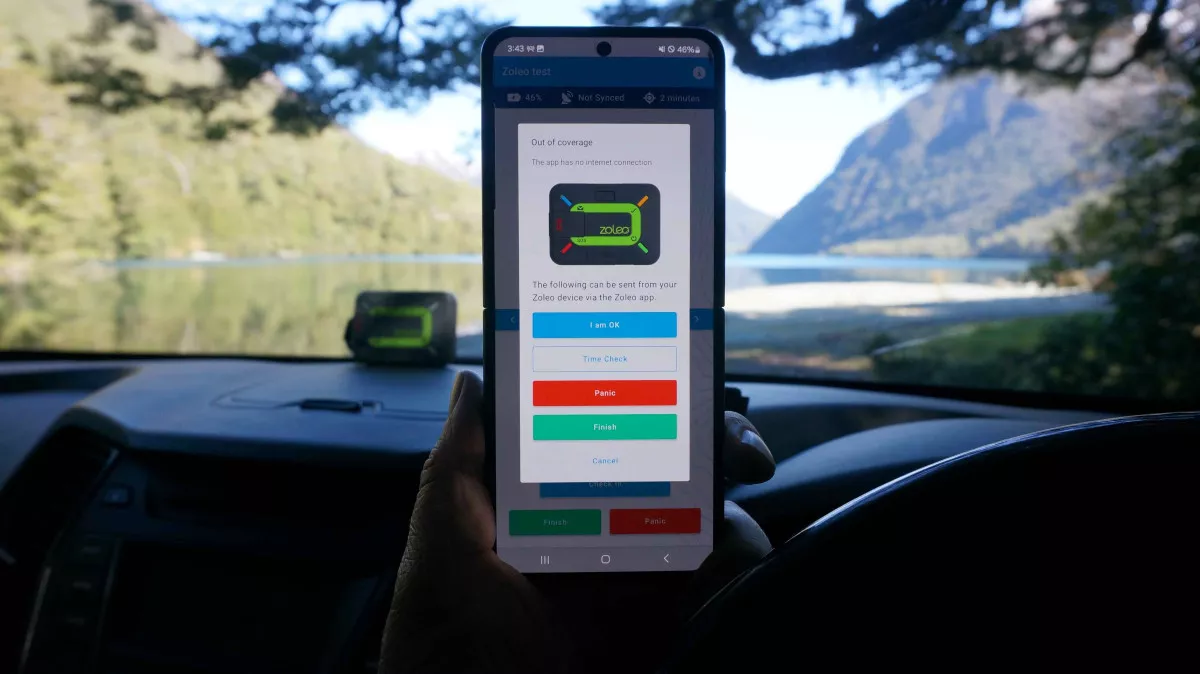
- Additional deeplink messages for Zoleo Satellite Device connected activities, now supports Panic
- Minor design changes
New Activity Page (Web app)
The New Activity web app page has been updated to match the user experience of the mobile app by having a two step process to starting a new activity.
Step one is called “Planning” and is for completing information that can be saved to create a favorite or planned for later activity, including the “planning” risk assessment and is designed to be completed ahead of time, ie the day before.
Step two is called “Pre-start” and is for completing information in the moment in time prior to starting a new activity, such as selecting a satellite device and completing the “pre-start” risk assessment
This change accommodates having two risk assessments associated with an activity.
Multiple risk assessments per activity
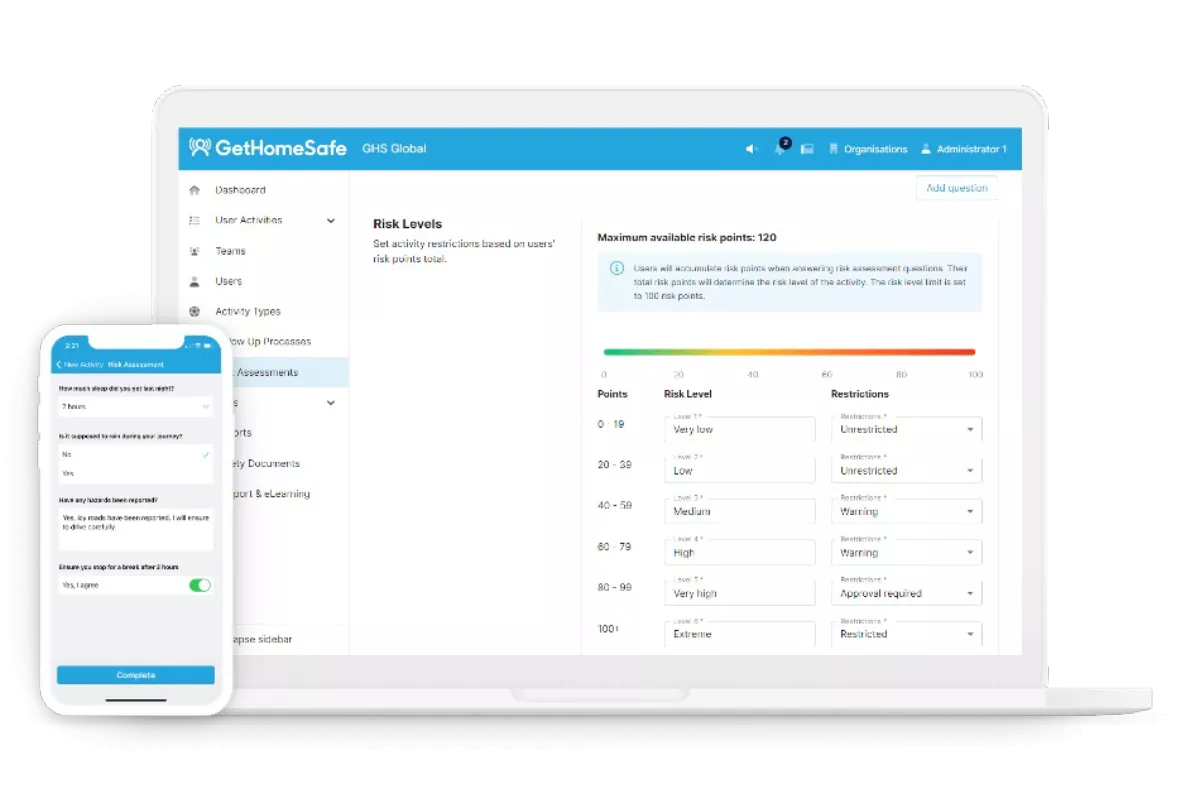
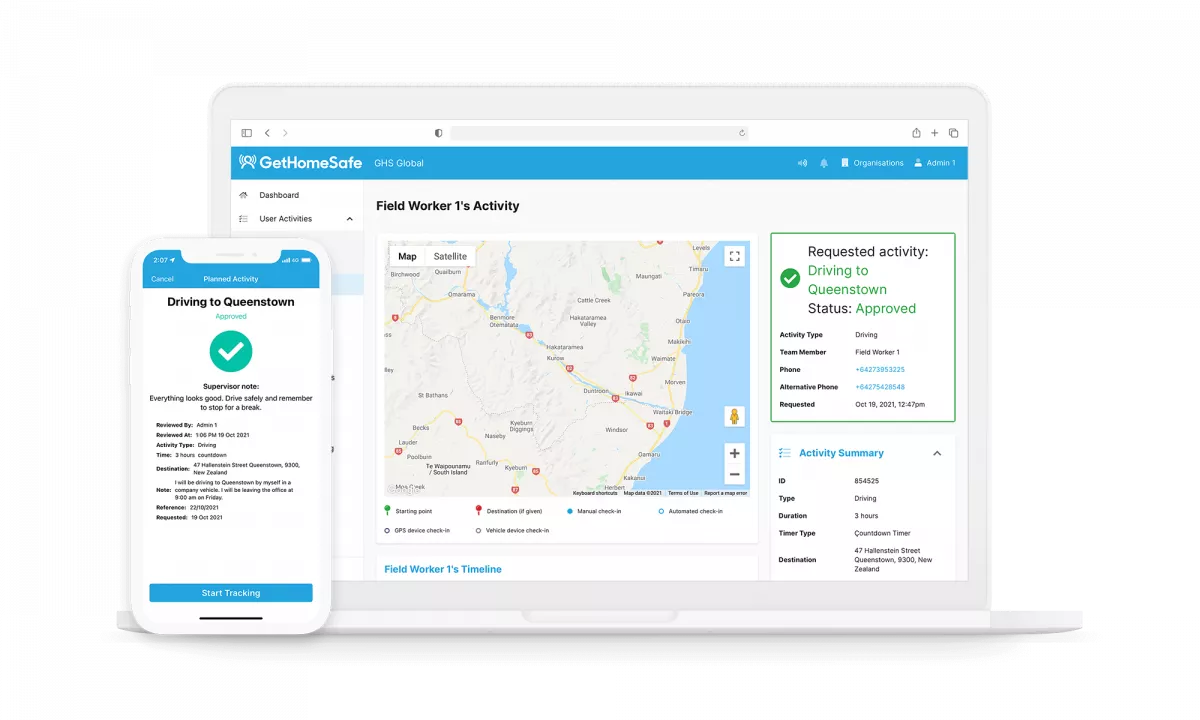
At the “Activity Types” level, you can now configure a second risk assessment to dynamically apply risk controls based on daily tasks.
The first assessment focuses on “Planning” risks for future activities, such as creating a field trip or journey management plan on desktop—replacing traditional JSA forms and journey plans.
The second assessment addresses “Pre-start” risks, assessing conditions right before beginning a task on the mobile app—serving as a digital alternative to fatigue checks or vehicle pre-start forms.
Both assessments can trigger dynamic approvals, though approval works best when using the “Planning” assessment to complete plans in advance.